Start from the right job
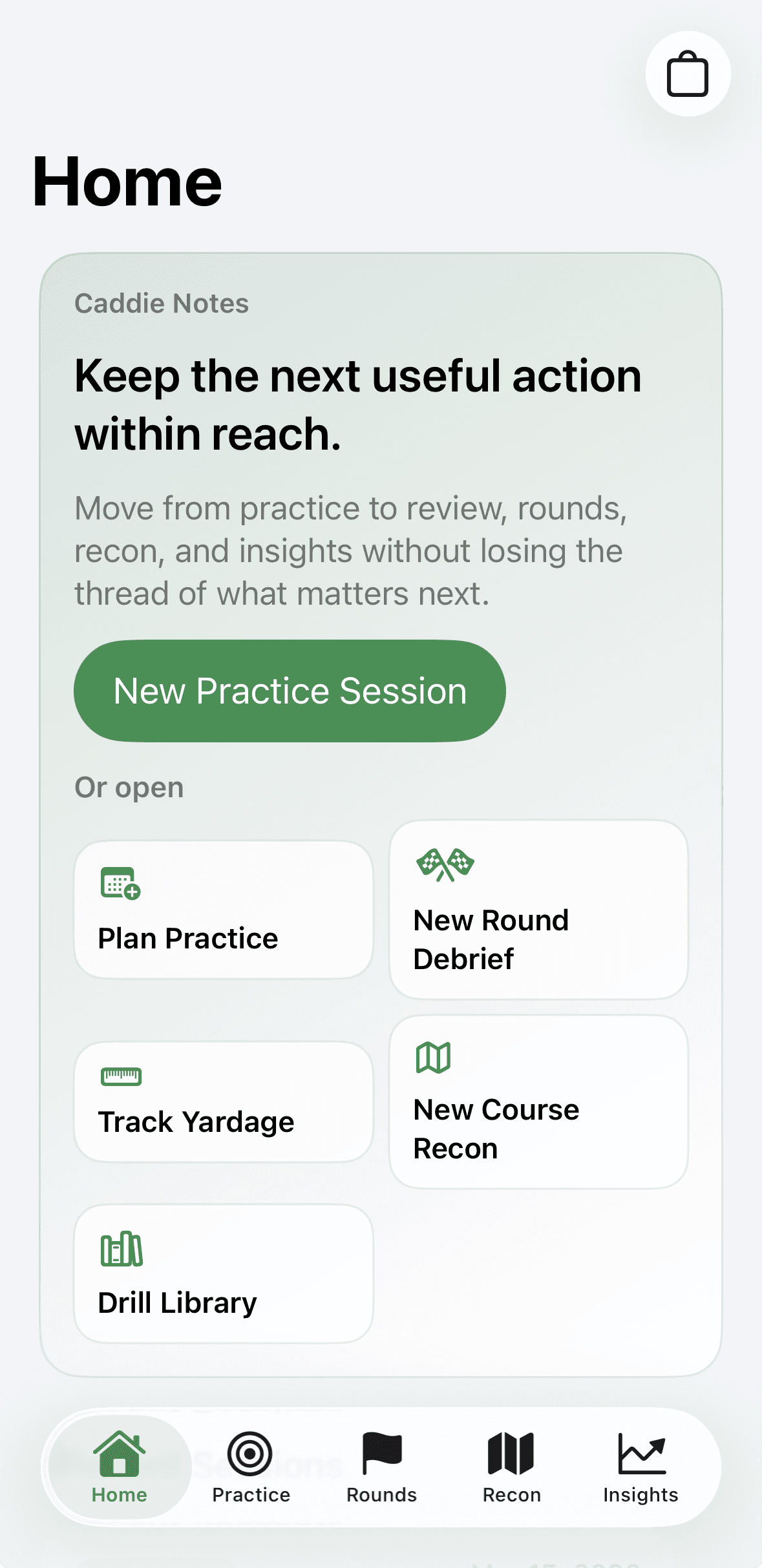
Home now opens the correct path for the day: new practice, plan practice, new round debrief, track yardage, new course recon, or drill library.
Caddie Notes keeps the full improvement loop connected: plan practice, log structured drills, import FlightScope sessions, align club windows to your bag, prepare with recon, hand plans into round day, review with evidence and media, and surface the next useful action. The product stays local-first, explainable, and calm enough to trust.
The product now has clear structure: a home action hub, planned and structured practice, local monitor imports, carry mapping, round debrief, course recon, yardage capture, media, and explainable review. Each surface has one job, and the jobs hand useful context forward instead of forcing golfers to start over.
Home now opens the correct path for the day: new practice, plan practice, new round debrief, track yardage, new course recon, or drill library.
Practice setup leads into drills and reflection. Imports attach to sessions and align carry windows to the bag. Recon hands directly into practice rounds or round debrief.
Insights, recon review, recent debrief patterns, and next-practice cues all point toward what to do next instead of just repeating what was logged.
This is no longer just note capture. The current product is a local-first workflow system that moves from planning to capture to review to the next action without losing context.
Plan Practice sets environment, category, and focus. Drills carry measurement mode, result structure, optional reference links, and reflection fields such as outcome, feeling, grade, and working-on cues.
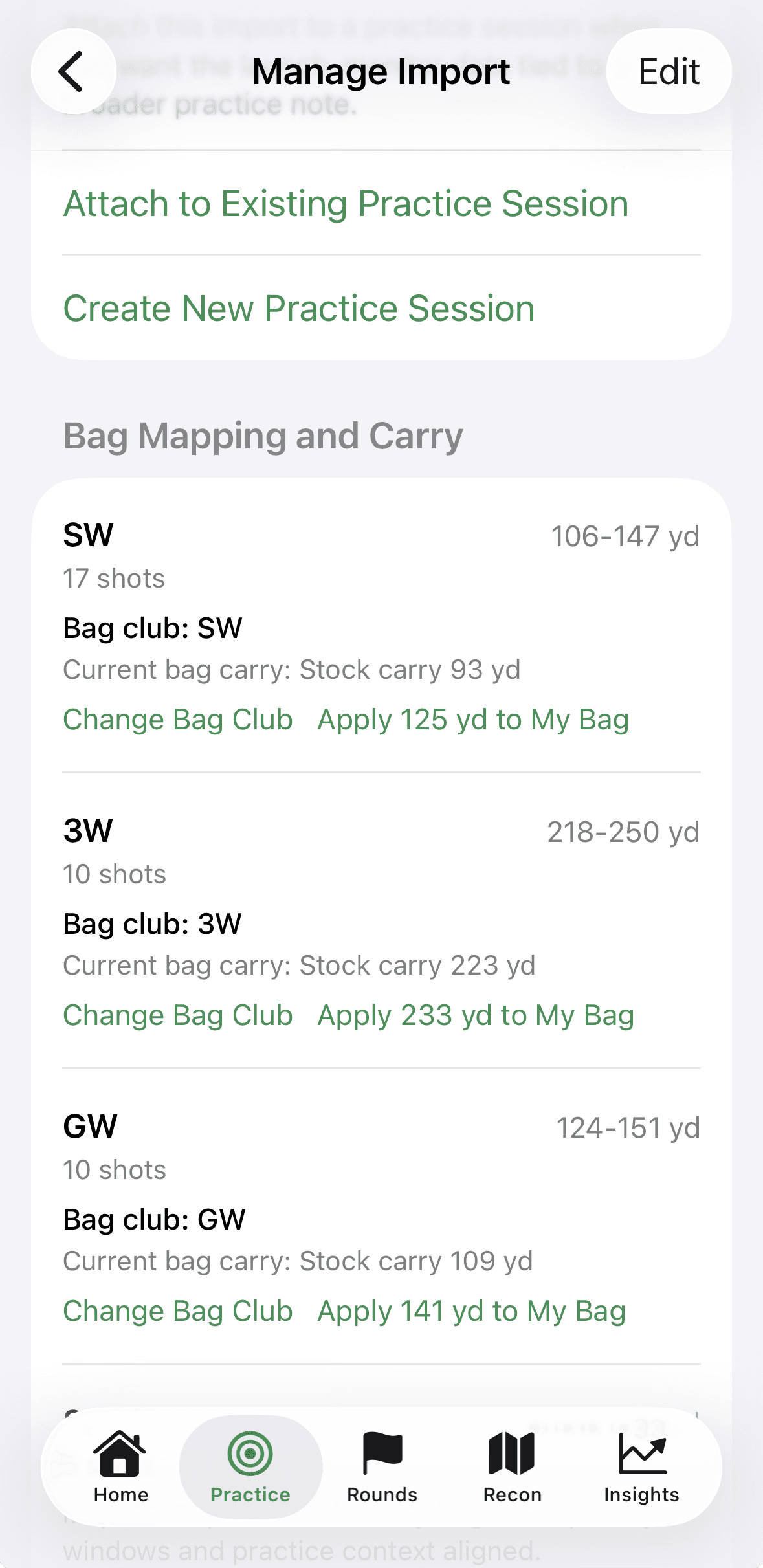
FlightScope CSV or tab-delimited exports are parsed locally into native practice sessions, then mapped into bag clubs and smooth, stock, or hard carry windows.
Rounds capture what helped, what cost shots, cue that held up, next practice, evidence, media, and preparation context so the review is usable later.
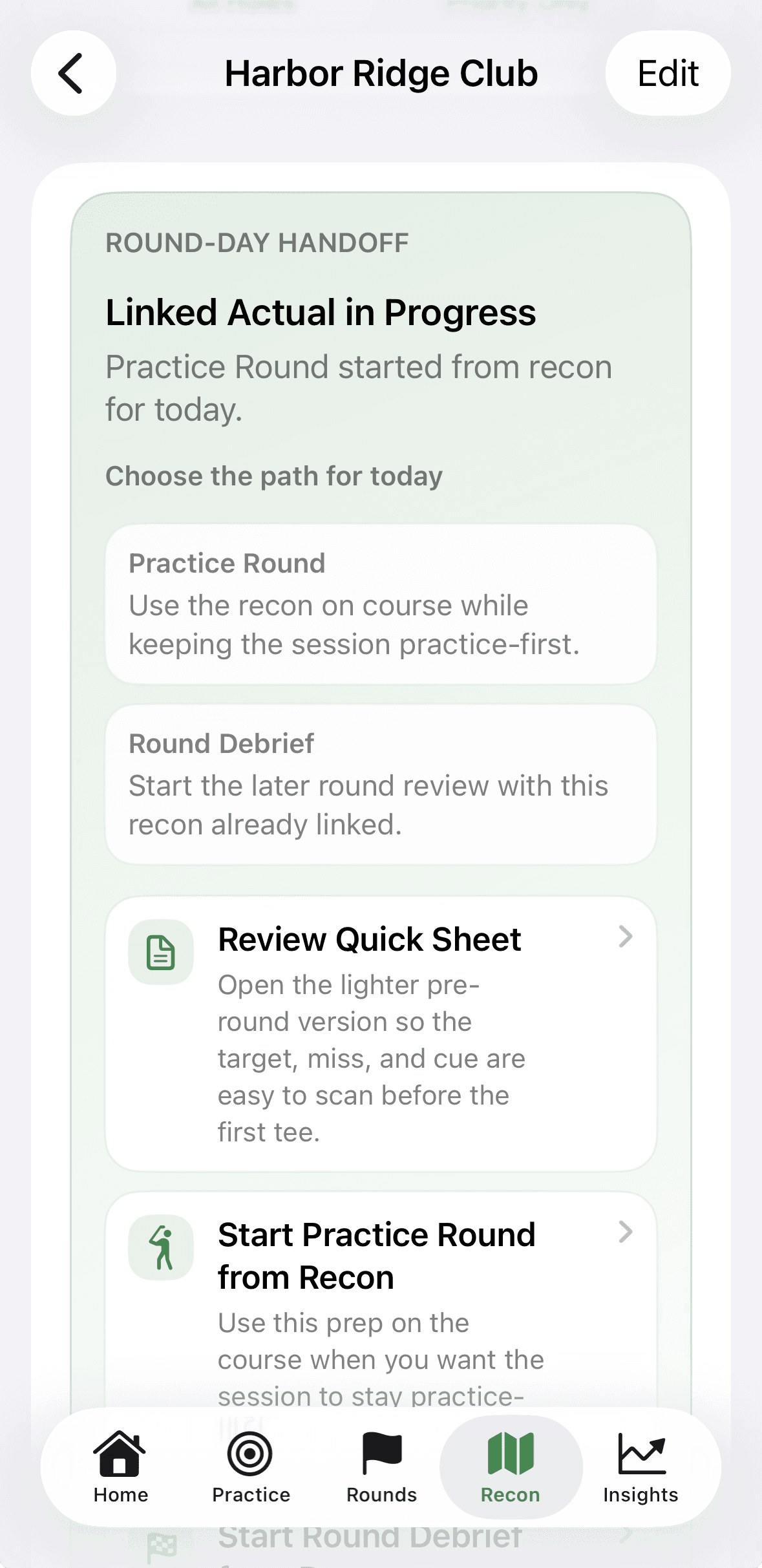
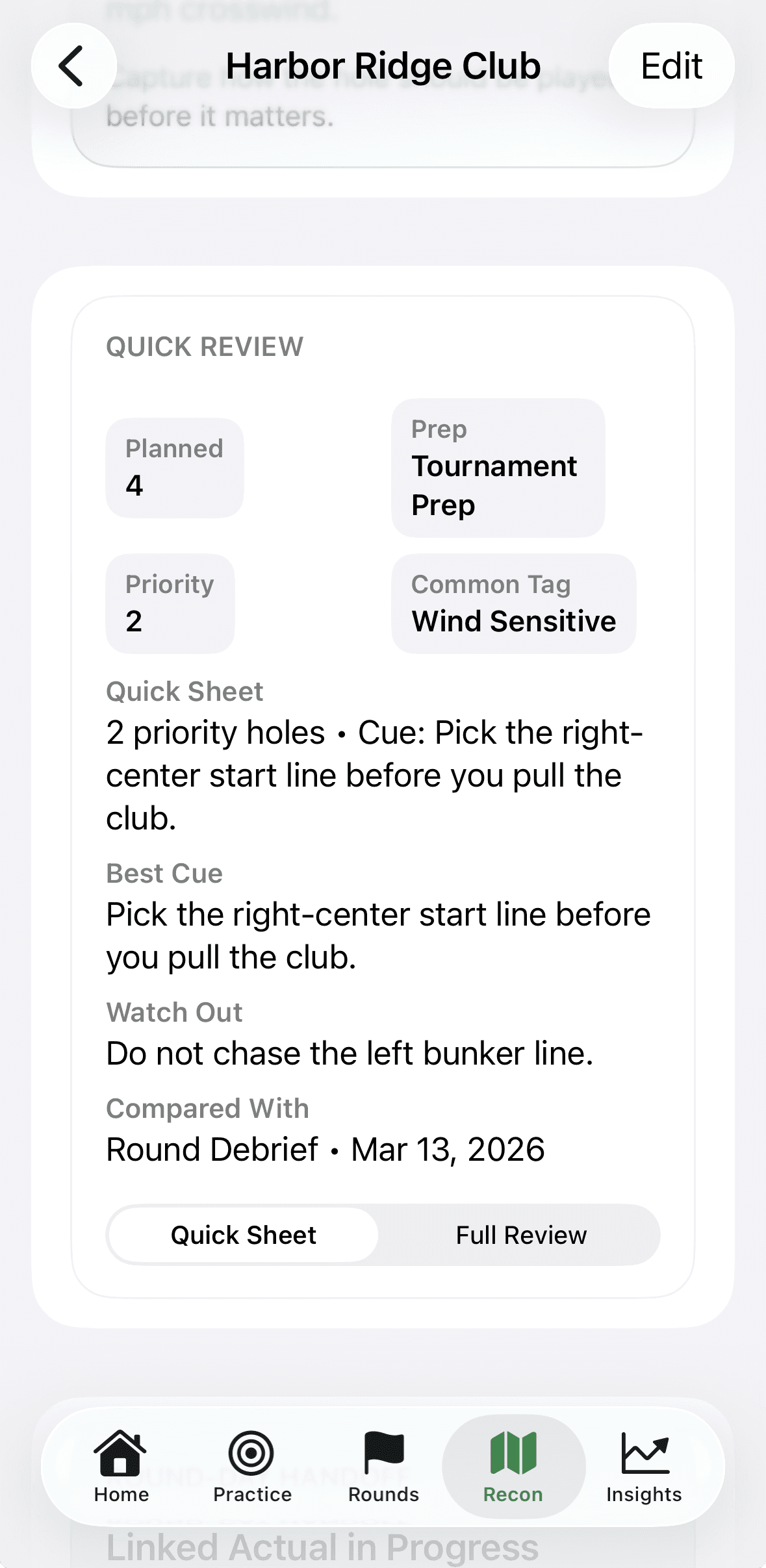
Recon sessions support hole plans, priority holes, quick sheet review, round-day handoff, linked actual sessions, and recon-versus-actual comparison after play.
Walk-off yardage capture, club-aware labels, local history, and wind-assist context make distance logging part of the same preparation and review system.
Quick Read, recurring signals, trend labels, launch-monitor cues, and next-practice guidance are grounded in visible history and confidence, not opaque scoring.
The structure matters because calm software comes from clear screen jobs, visible provenance, and explicit handoff into the next decision.
The newer features only help if the product keeps the same discipline underneath them.
Imports, media, carry mapping, recon, and review stay grounded in on-device history rather than hidden cloud logic or account requirements.
Signals such as Start With, recent patterns, plan-held-up summaries, and launch-monitor cues must be traceable back to visible history.
Objective facts stay numerical, feelings and categorical states stay light and scannable, and notes stay short enough to preserve meaning without adding noise.
Home, practice, imports, recon, rounds, and insights pass context forward so the user is not asked to reconstruct what the system already knows.
The iPhone handles planning, imports, recon editing, and deeper review. Apple Watch stays focused on live capture, yardage, and session flow where immediacy matters.
Action hubs, focused forms, explicit save points, non-punitive language, and visible readiness states reduce friction without hiding the model.
The current system follows the real order golfers improve in: choose the right job, add structure while the work is fresh, keep provenance attached, and carry what matters into the next decision.
Home now opens the correct path for the day instead of forcing every note through the same generic entry. Practice, rounds, yardage, recon, and drill library each start from their own clear lane.
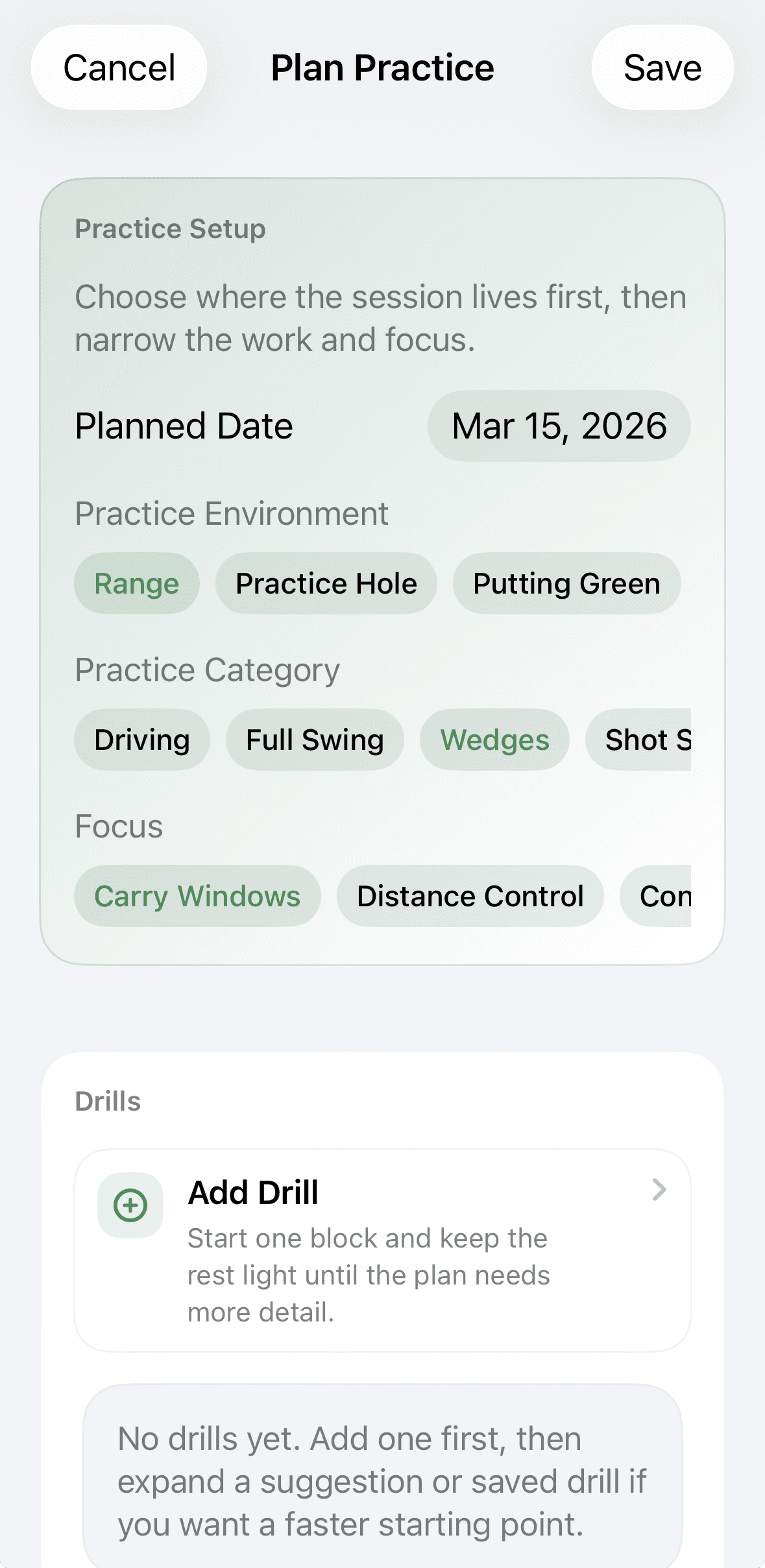
Practice Setup frames environment, category, and focus before the session gets noisy. The plan can stay light, then drills and references add detail only where it helps.
FlightScope imports are parsed locally, saved as native practice sessions, and tied to bag mapping so carry windows become useful in later practice and review instead of living in a separate tool.
Recon now supports quick sheet review, priority holes, linked actual sessions, and handoff actions for either practice round or round debrief so preparation does not stop at planning.
Round surfaces, recent debrief patterns, insights quick reads, and next-practice cards turn structured history into concrete next actions without hiding where the conclusion came from.
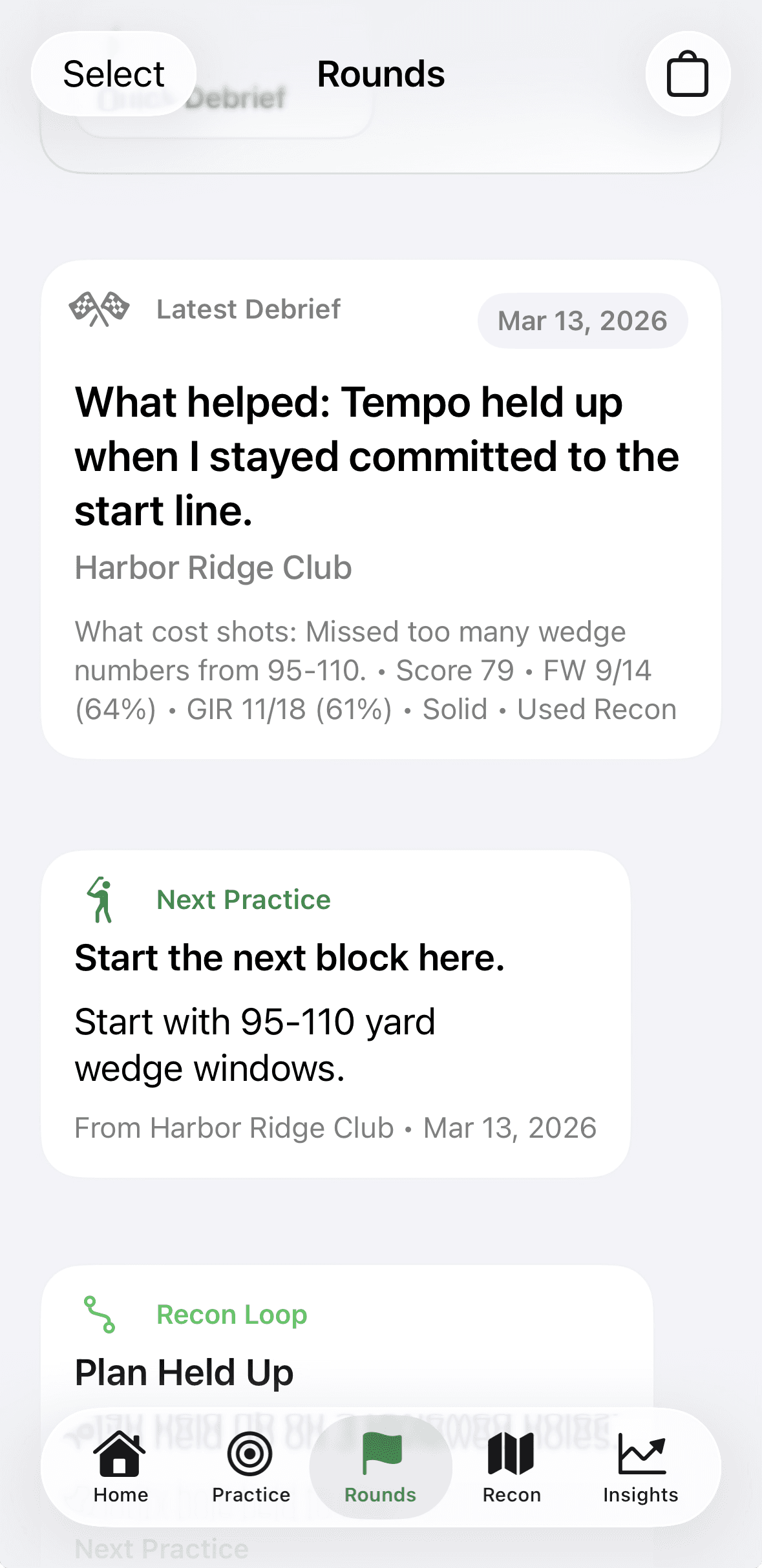
These are current iPhone surfaces from the latest product state: action hub, planned practice, drill editing, imports, carry mapping, insights, recon, round-day handoff, round debrief, and yardage capture.
Home action hub
Practice planning with structured setup
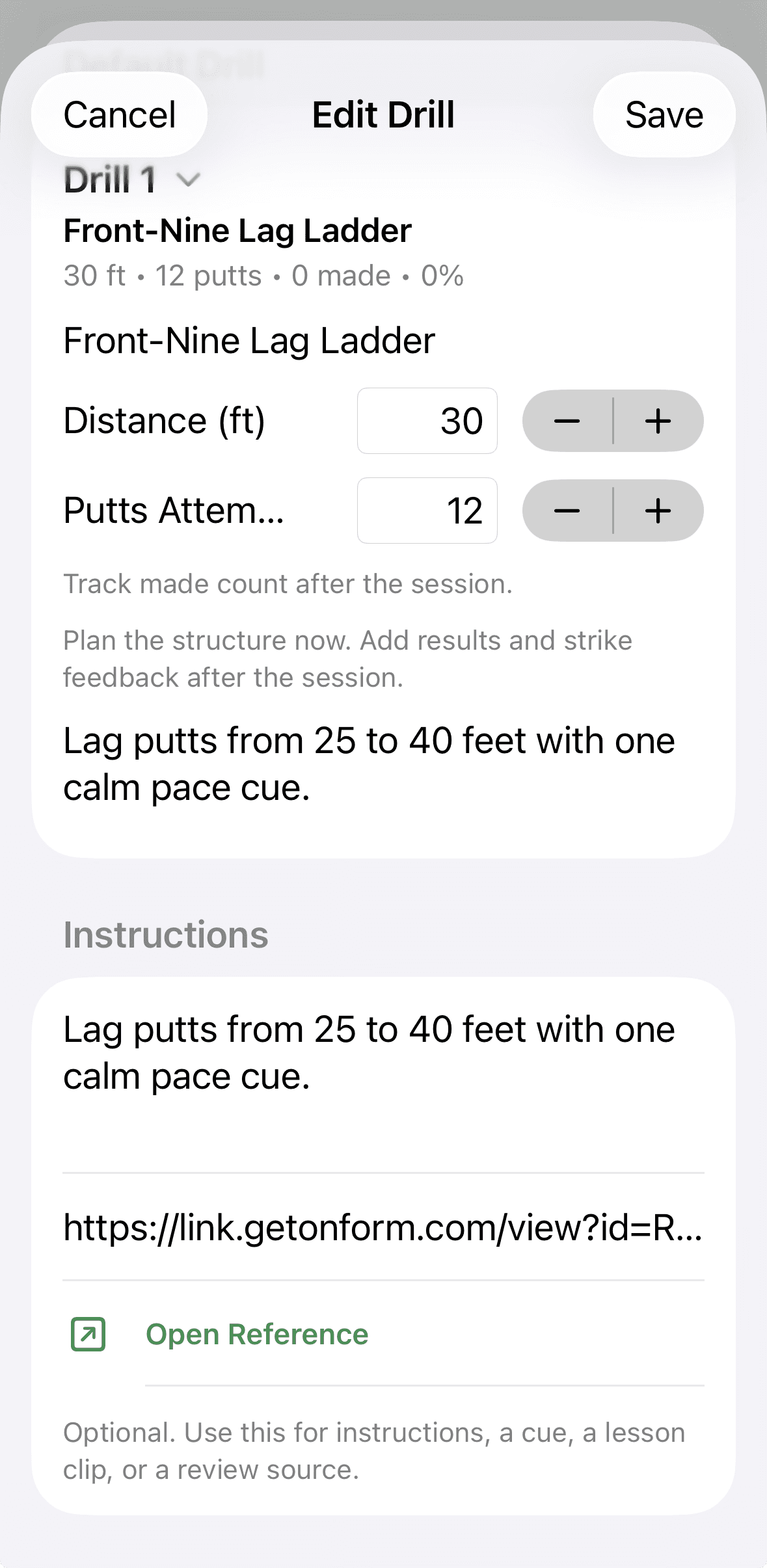
Drill detail with optional reference context
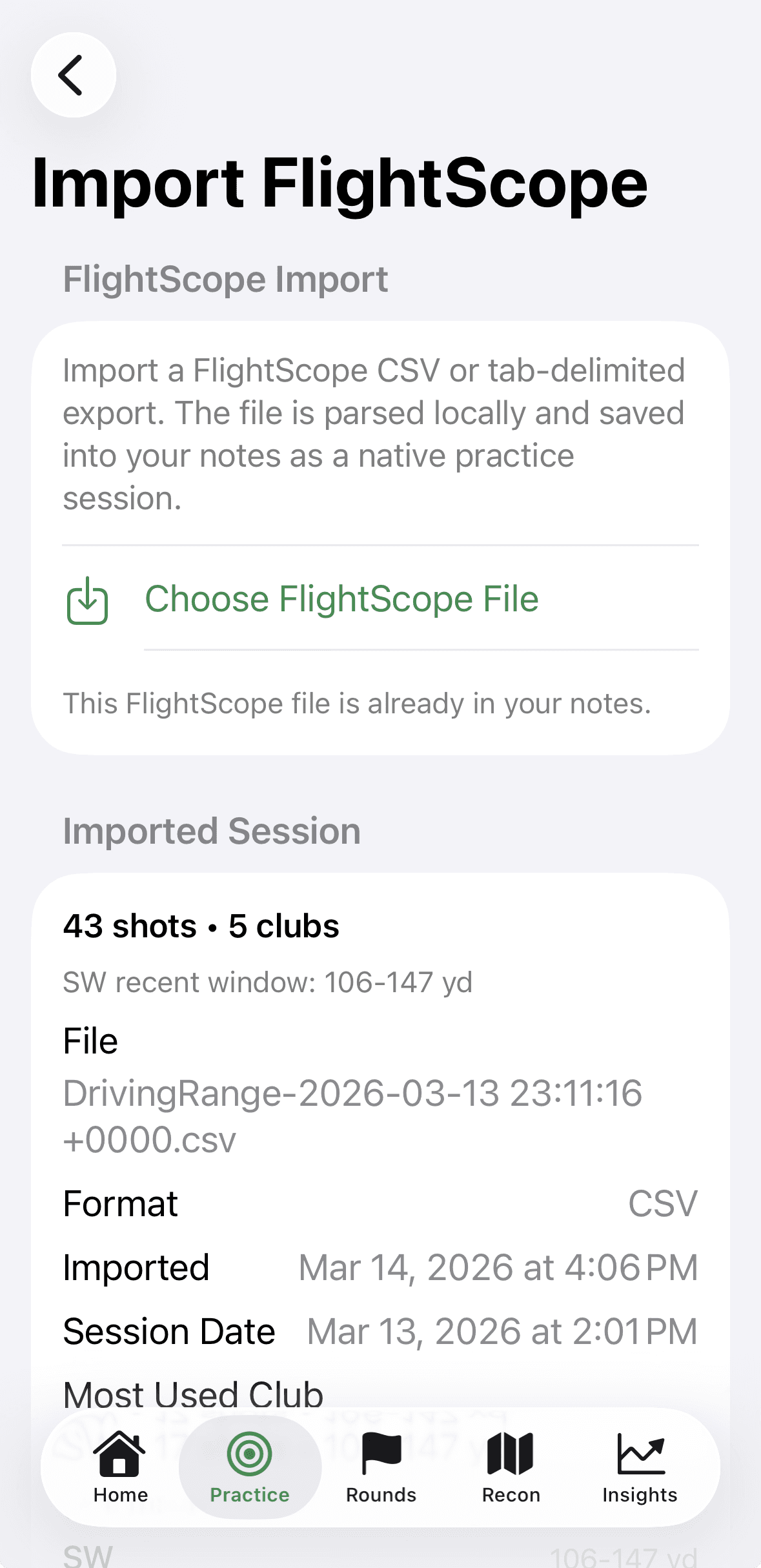
Local FlightScope import
Bag mapping and carry alignment
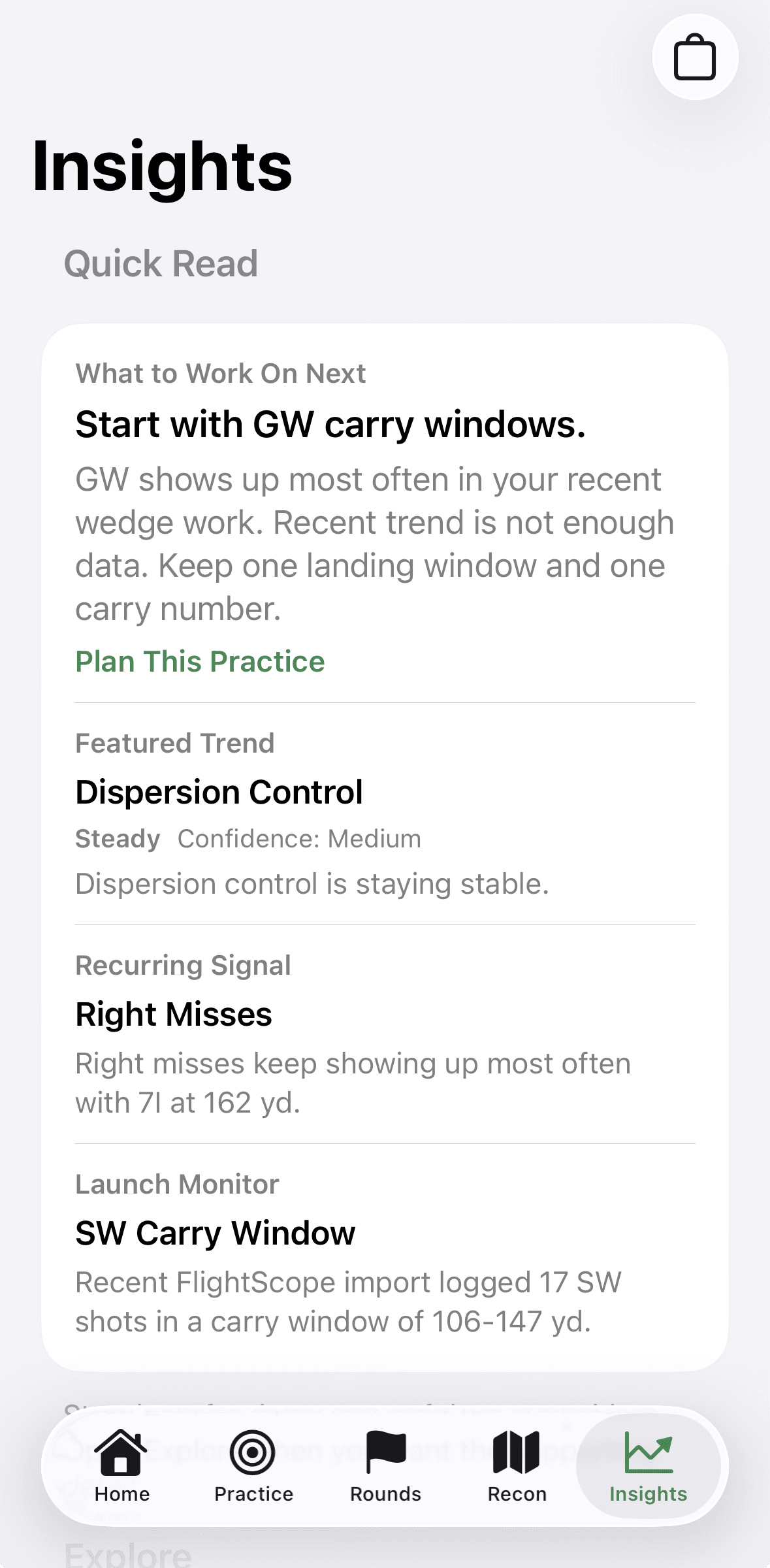
Quick Read insights and next-step signals
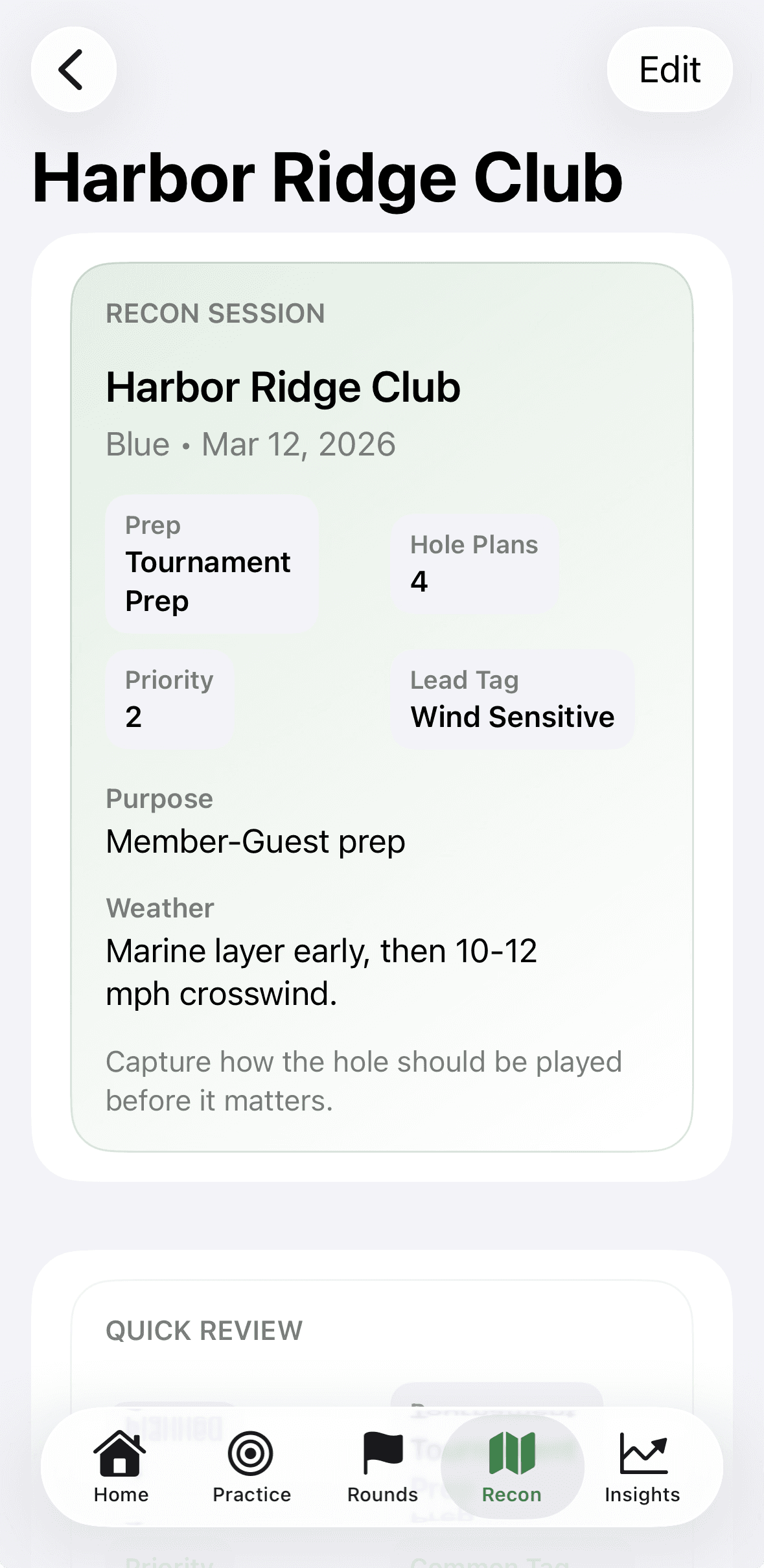
Recon session summary
Recon handoff into round day
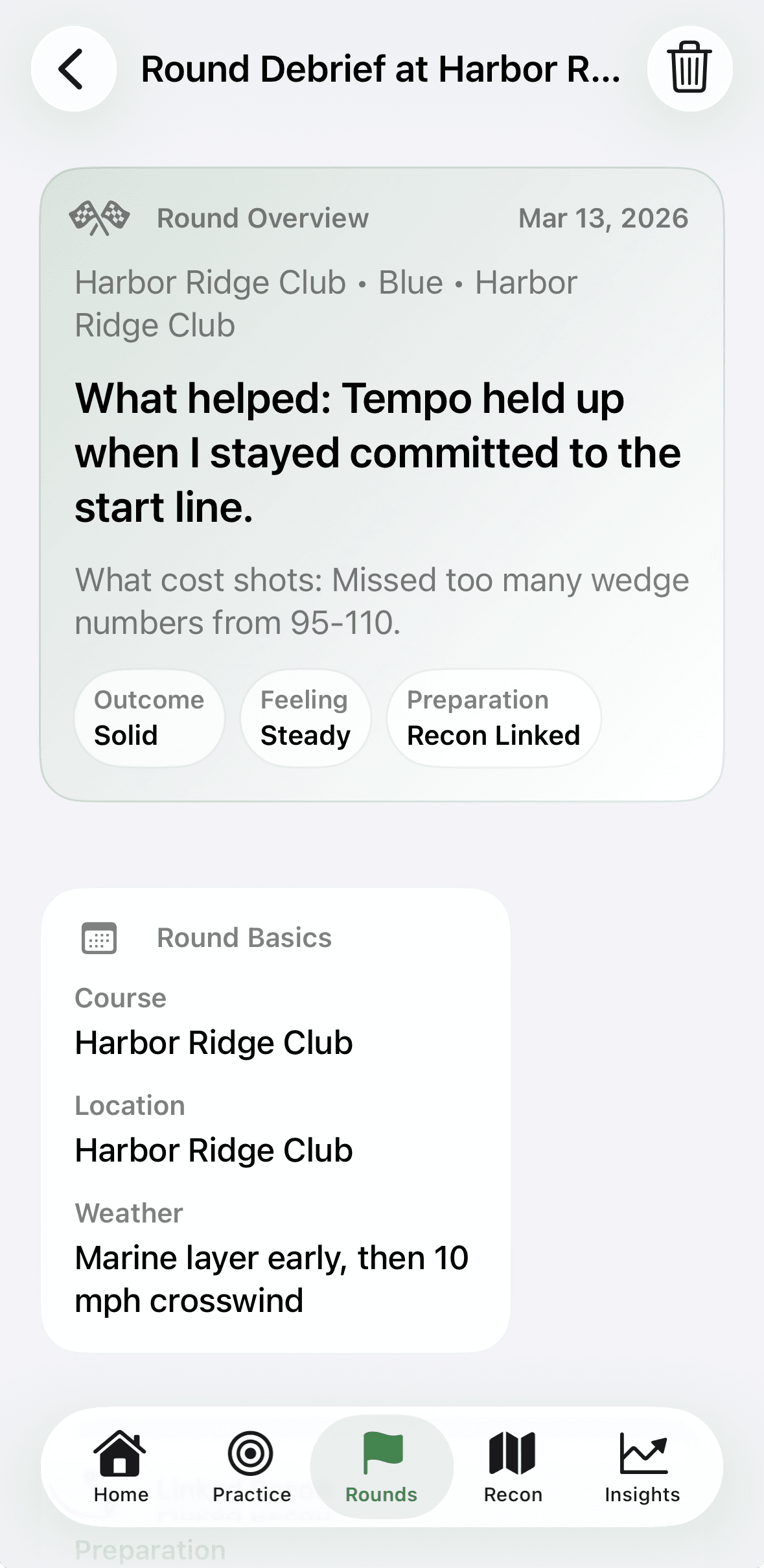
Round debrief overview
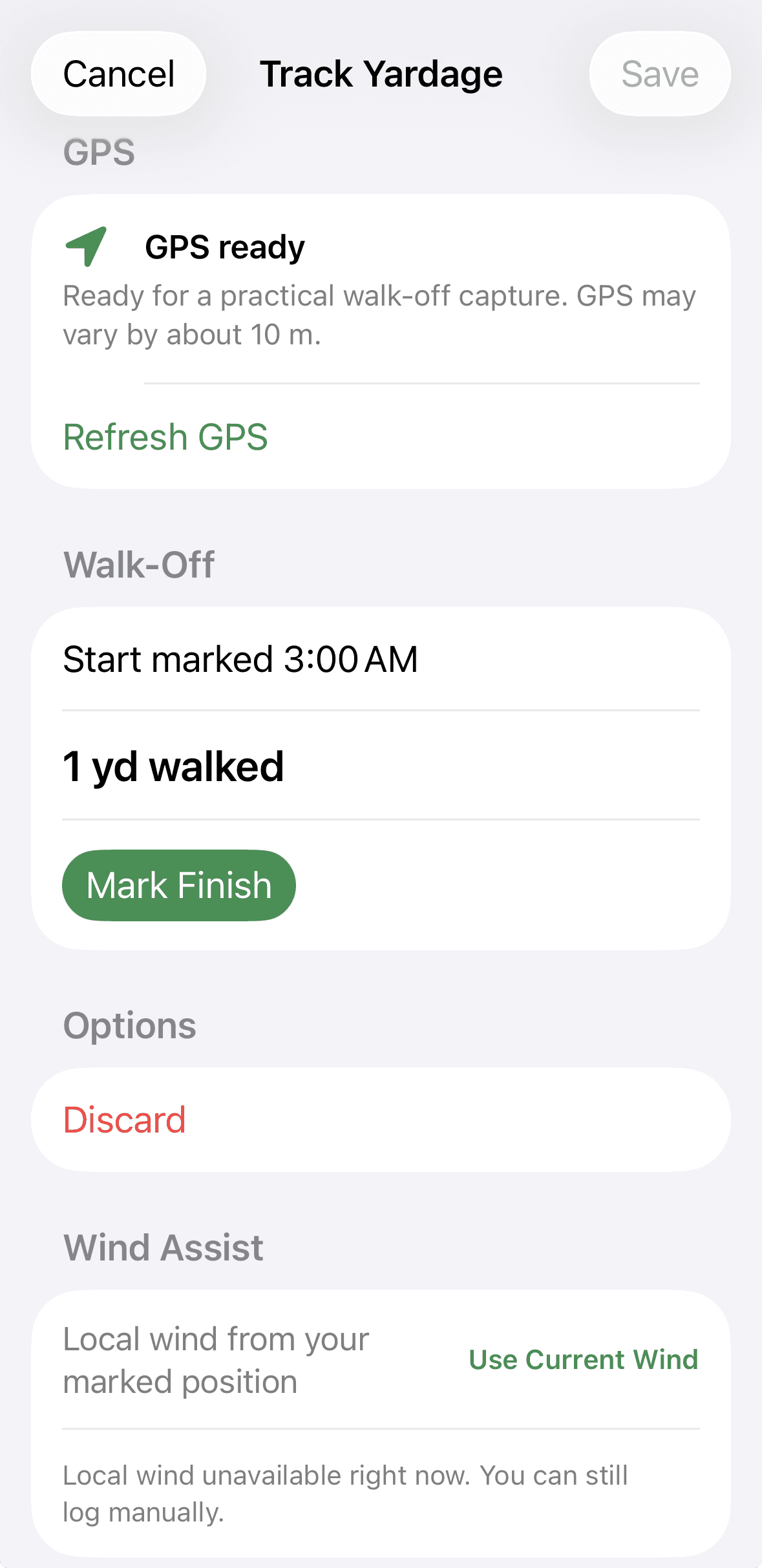
Yardage capture with wind assist
Golf was my first athletic passion. Before cycling, before product leadership, before all the years I spent in design, development, architecture, and analytics, I loved golf. Coming back to the game brought something back in me that had been there all along, but I was coming back to it differently.
Over the years, I built a career around human-centered design, systems thinking, and understanding how people actually learn, behave, and improve. I have spent more than 25 years working across the full product spectrum, and one belief has stayed with me: better outcomes usually do not come from trying harder. They come from having a better system.
Cycling reinforced that belief. Chasing long-range goals taught me that progress is rarely random. It comes from structure, review, preparation, pattern recognition, and honest reflection. Later, reading The Tournament Player's Handbook, I found the golf version of the same idea: good process equals good results.
When I returned to golf seriously and started building my own improvement system, everything felt fragmented. Launch monitor data lived in one place. Videos lived somewhere else. Notes were scattered. Some tools were good at tracking. Some were good at stats. Some were built around social behavior. But I could not find anything that brought the full learning loop together in a way that felt thoughtful, structured, and human.
I was not looking for more data. I was looking for a better framework. That is what Caddie Notes is meant to be: not just a journal, not just a tracker, but a structured golf intelligence system built to help golfers become more aware, more prepared, more disciplined, and more intentional over time.
I am not building it from the sidelines. I am building it because I need it too.
Caddie Notes Academy is the educational layer behind the app: how the action hub works, how to plan practice, what recon is for, how review should sound, and how to interpret signals without overreacting.
Explain how environment, category, focus, drills, references, and reflection fit together before the session starts.
Teach the preparation model behind priority holes, quick sheets, linked actuals, and recon-versus-actual review.
Show how FlightScope imports, carry mapping, yardage tracking, media, and evidence stay grounded in the same local system.
Make trend labels, confidence, recurring signals, and Start With guidance understandable without hype or black-box scoring.
Caddie Notes keeps the relationship simple: no account required, local parsing for imports, media attached to the session it belongs to, and insight logic that stays explainable from visible history. The point is to help the golfer think more clearly, not to hide the system behind hype.
Use the app without creating an account, keep the product relationship simple, and let the notes stay personal to the way you practice.
It is a structured golf intelligence system that connects practice, imports, carry mapping, rounds, recon, yardage, media, and review in one local-first workflow.
FlightScope CSV and tab-delimited exports are parsed locally into native practice sessions. From there, the import can attach to an existing session or create a new one, and club windows can be mapped into bag carry profiles.
Recon supports hole plans, priority holes, quick-sheet review, round-day handoff, linked actual sessions, and recon-versus-actual summaries so preparation carries forward into play and review.
Insights surface quick-read guidance such as what to work on next, featured trends, recurring signals, launch-monitor cues, and confidence. They are based on visible structured history rather than opaque scores.
The yardage flow supports walk-off capture, club-aware labels, local history, and wind-assist context so distance notes become part of the same preparation and review loop.
The watch stays focused on live capture where immediacy matters, including practice, practice-round flow, and yardage. Planning, imports, recon editing, and deeper review stay on the phone.
Yes. The product is designed around local-first trust, so review clips, photos, import provenance, and session notes stay attached to the place they belong.
See how practice, rounds, recon, imports, yardage, and explainable review now fit together in one product system built for calmer improvement over time.
Practice, rounds, recon, imports, yardage, insights, and local media in one system.